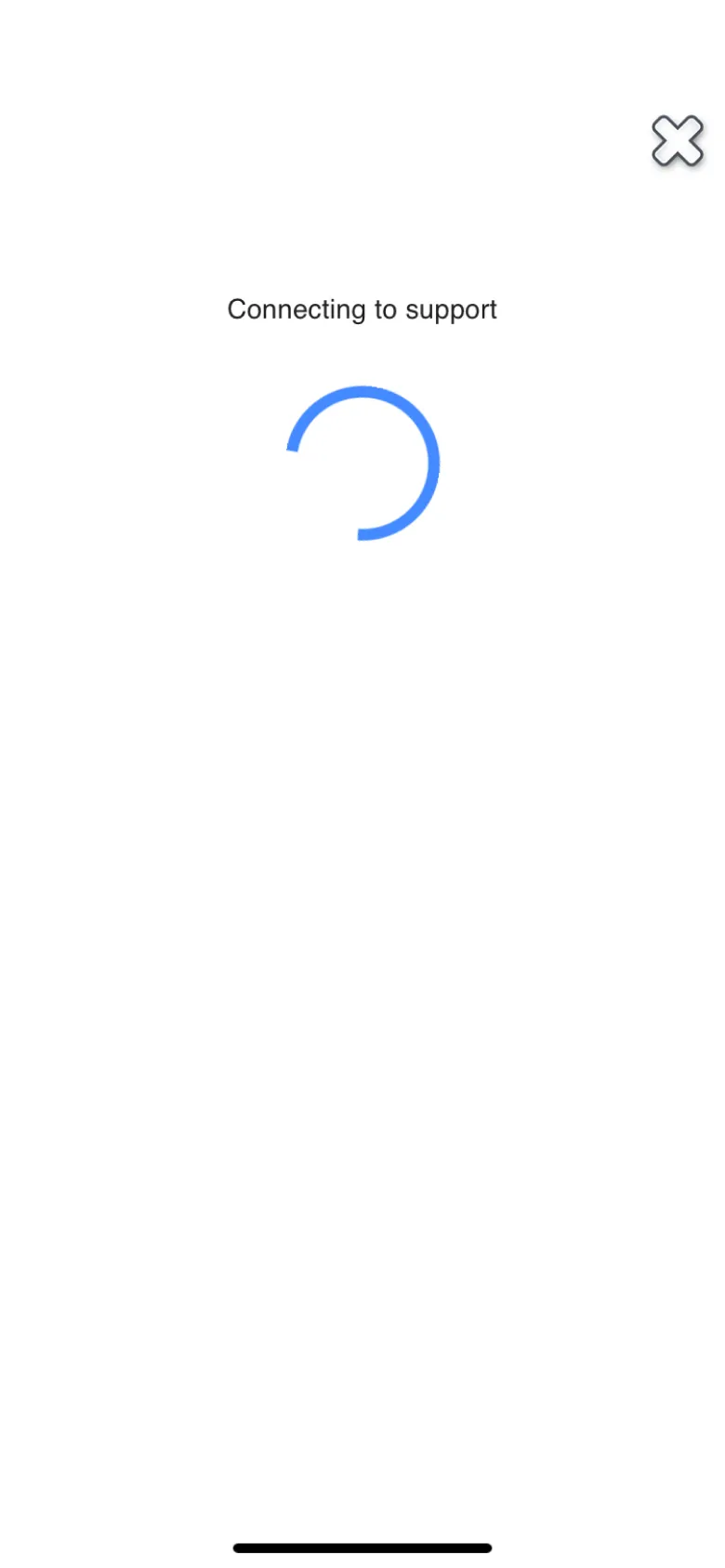
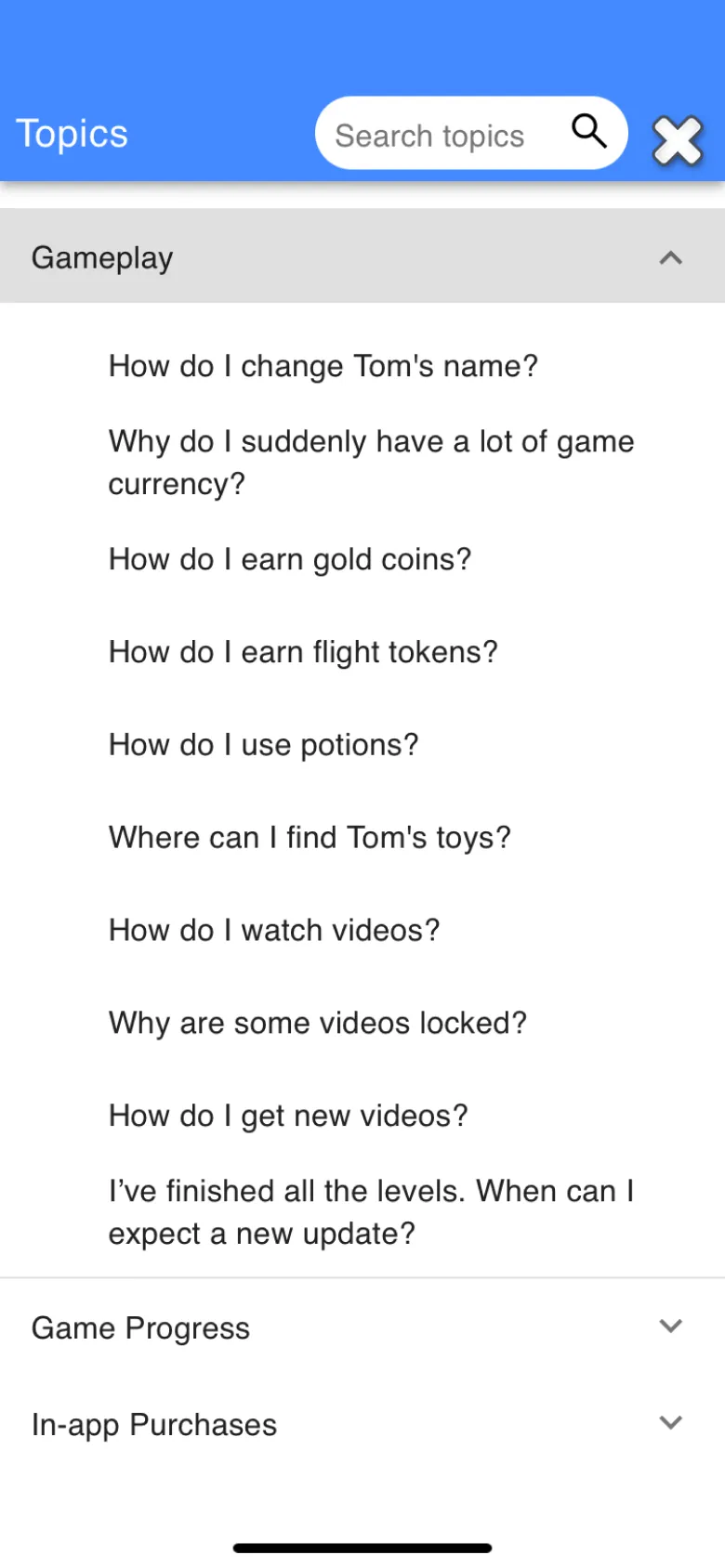
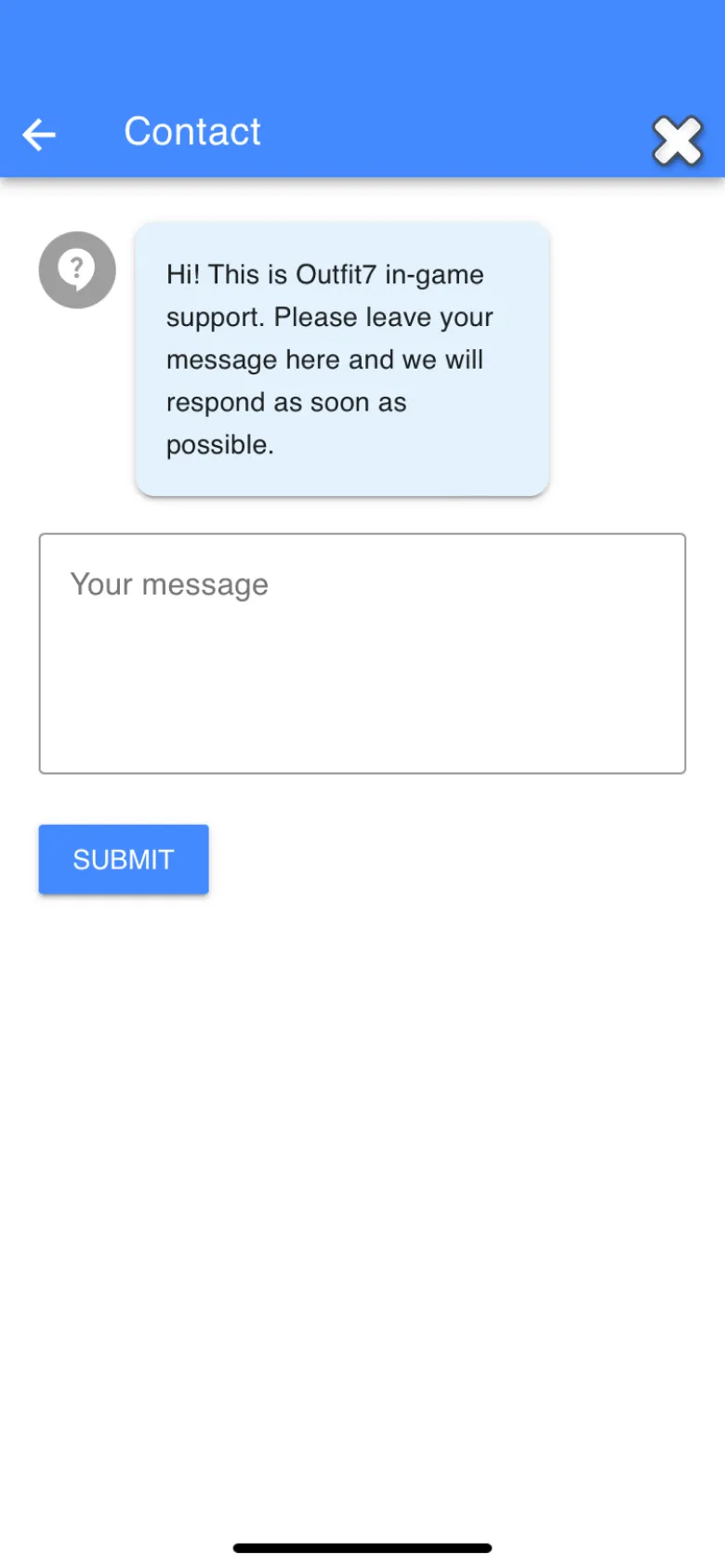
Talking Tom players asked for help through one free-text form. I redesigned in-game support as a ticket inbox with proper request forms.

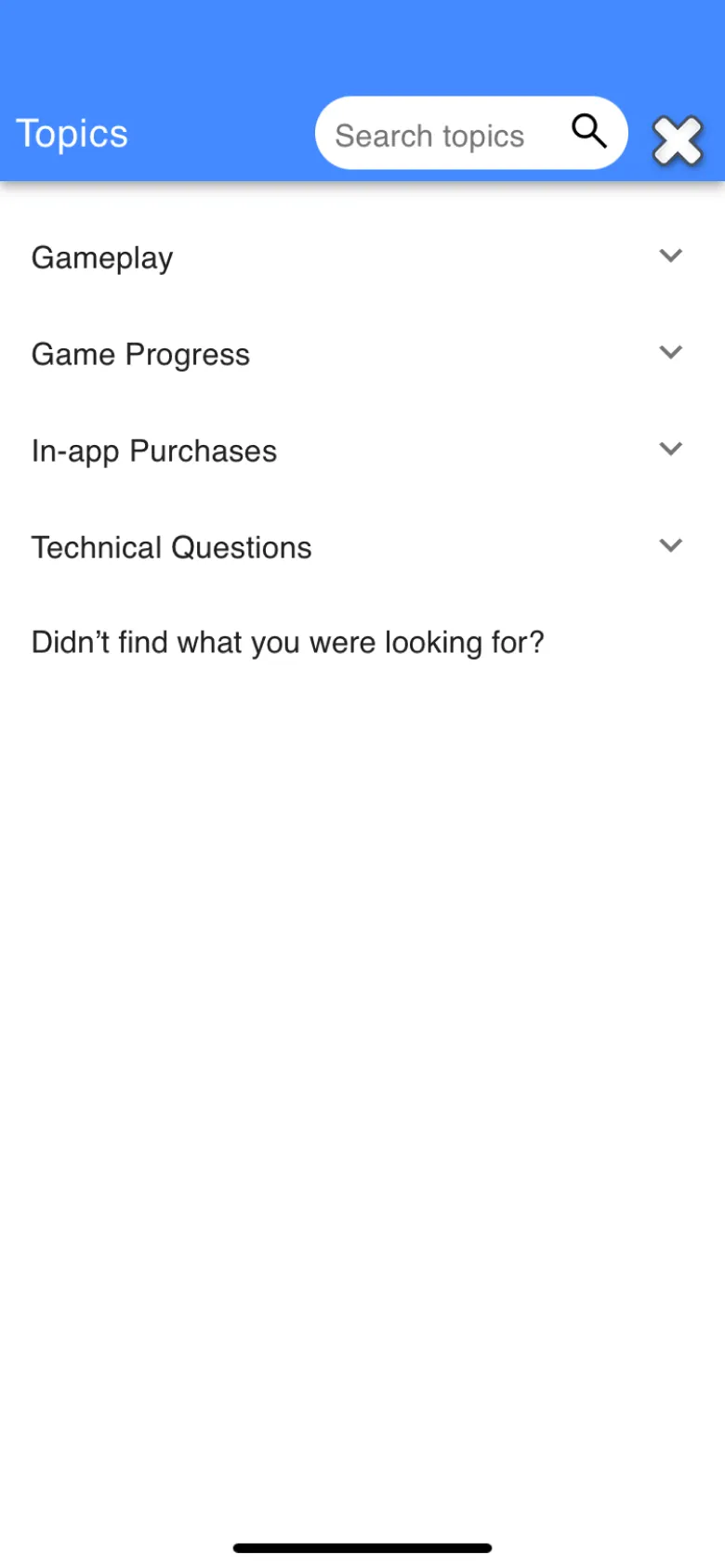
Help lived inside the game as a plain list of topics. A player could search it, open an answer, or type into one message box and hit submit.
After that, nothing. There was no place to see what you had sent, no sign that anyone had read it, and no way to add a screenshot of the purchase that went wrong. That is a lot of waiting in the dark.
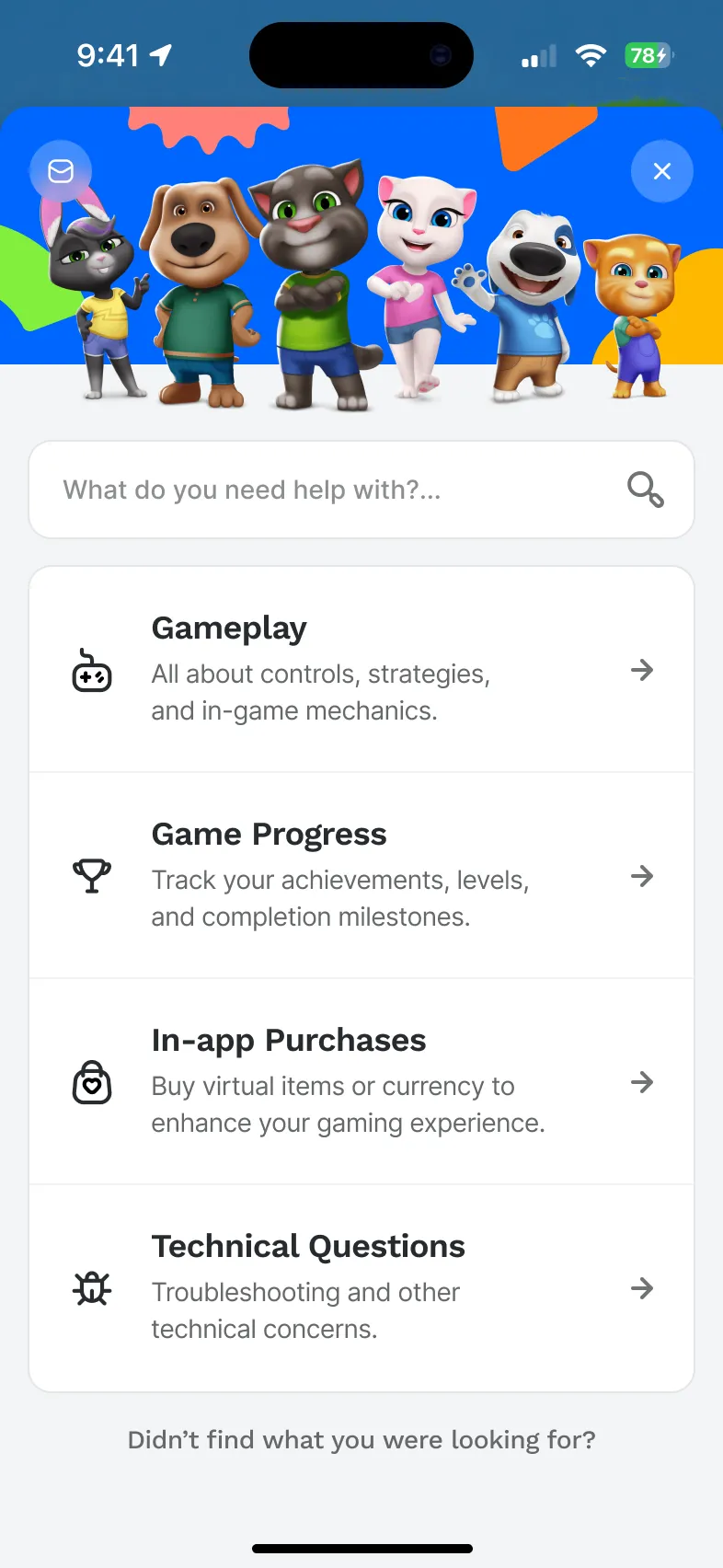
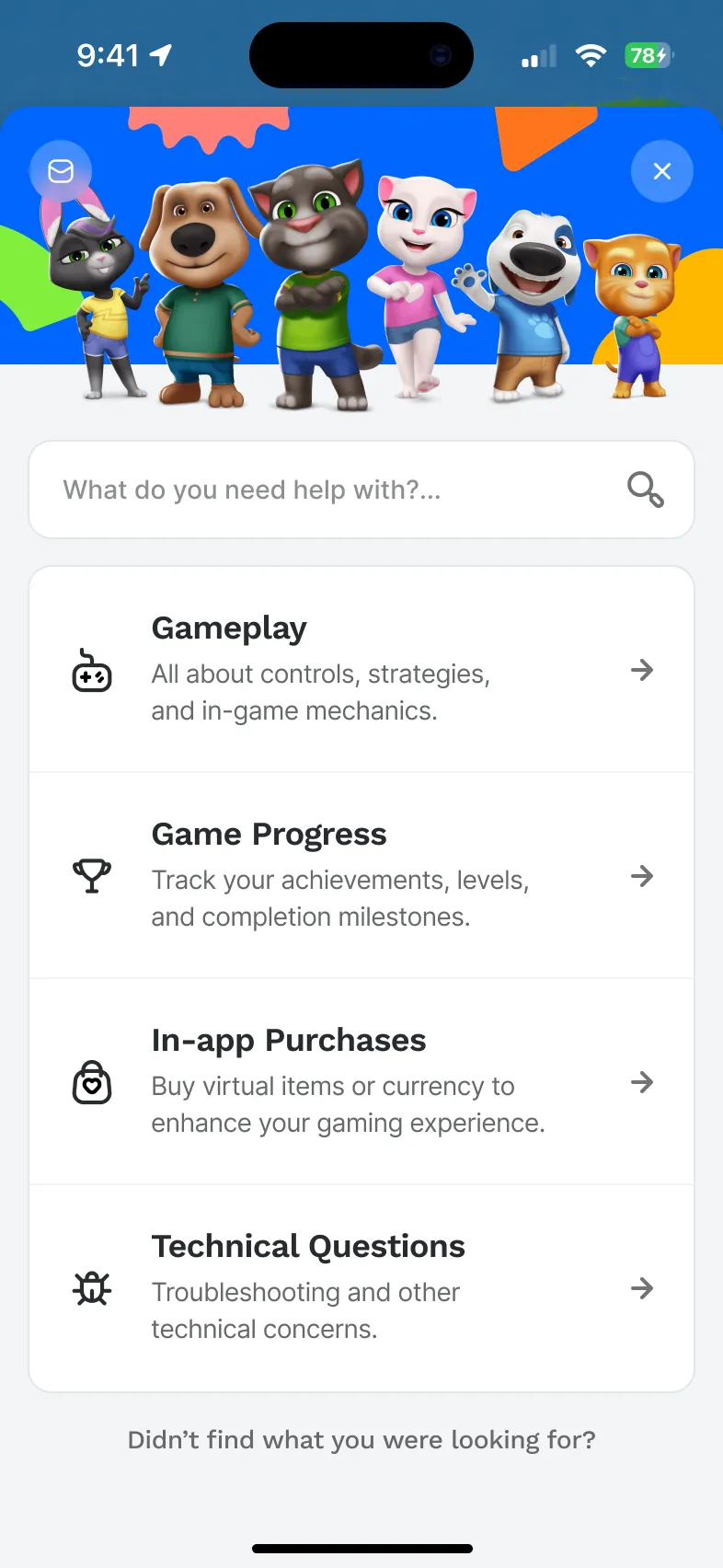
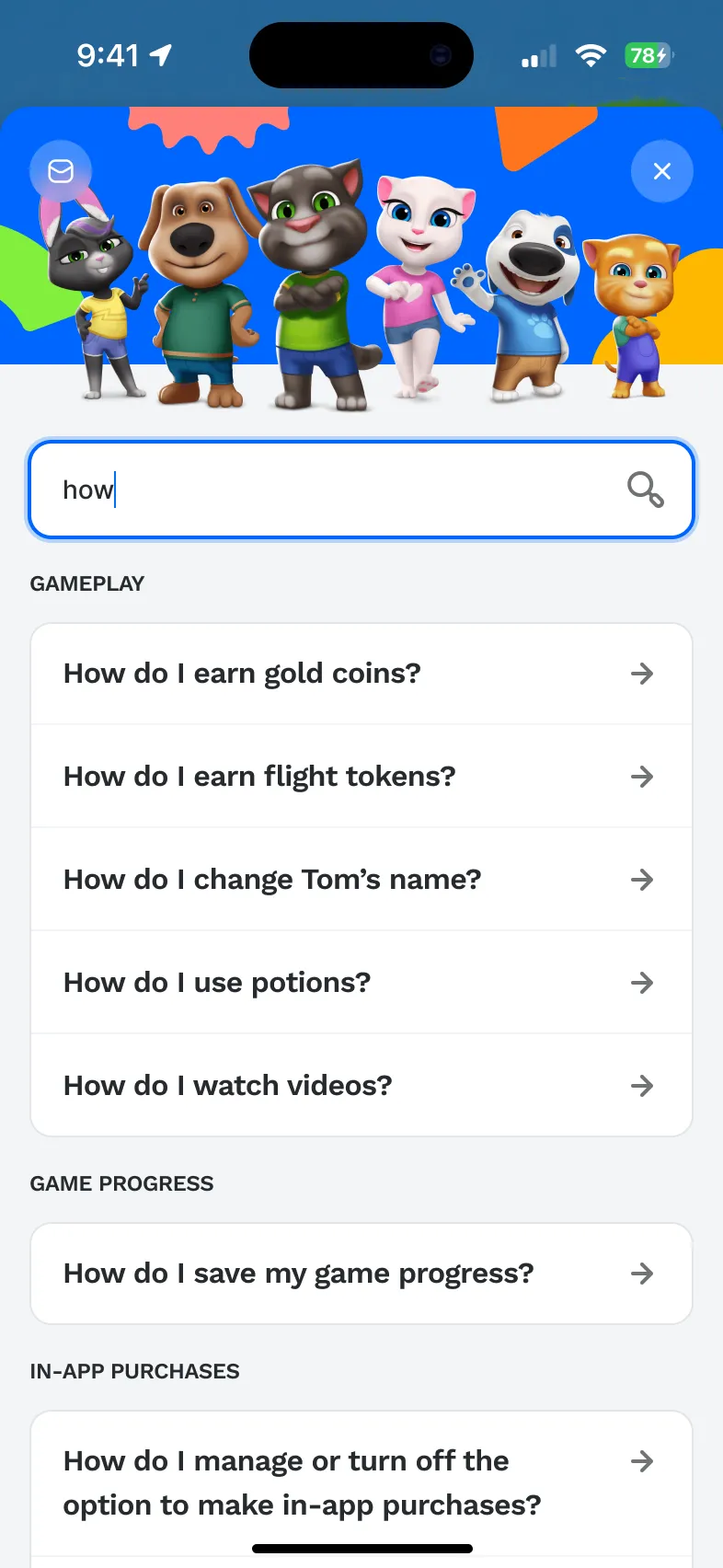
The home screen shows the whole idea. The old one was a bare list. The new one puts the characters on top, search right under them, and the four help areas as cards with a line that says what is inside.
I went through every original screen first, then designed the help centre and the contact system as two parts of one flow. Outfit7 reviewed and approved each screen.
Five original screens: loader, home, topics, help and the contact form.
Home with search, topics grouped by area and help articles with illustrated steps.
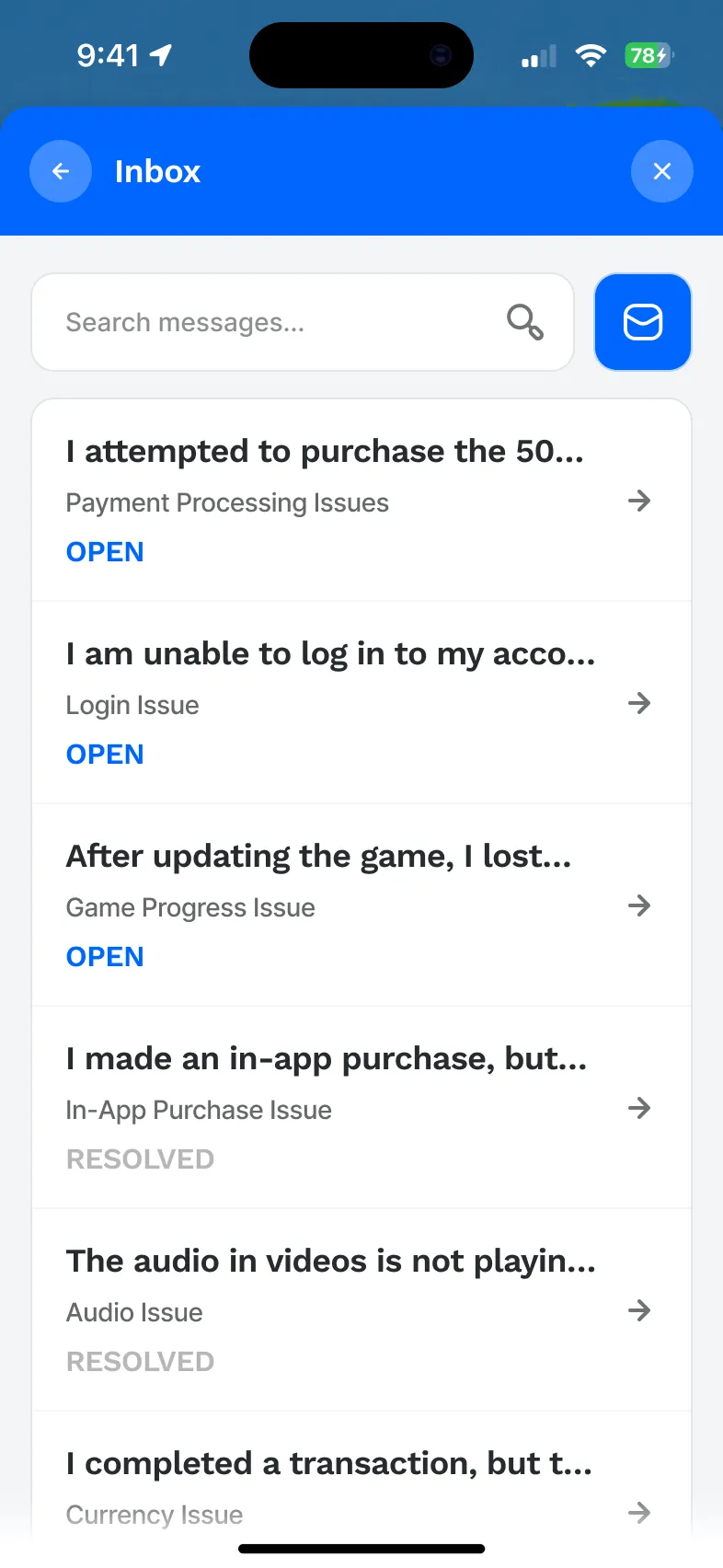
An inbox, a request form and a thread for every ticket, with empty and fallback states.
Every screen reviewed and approved by the Outfit7 team.
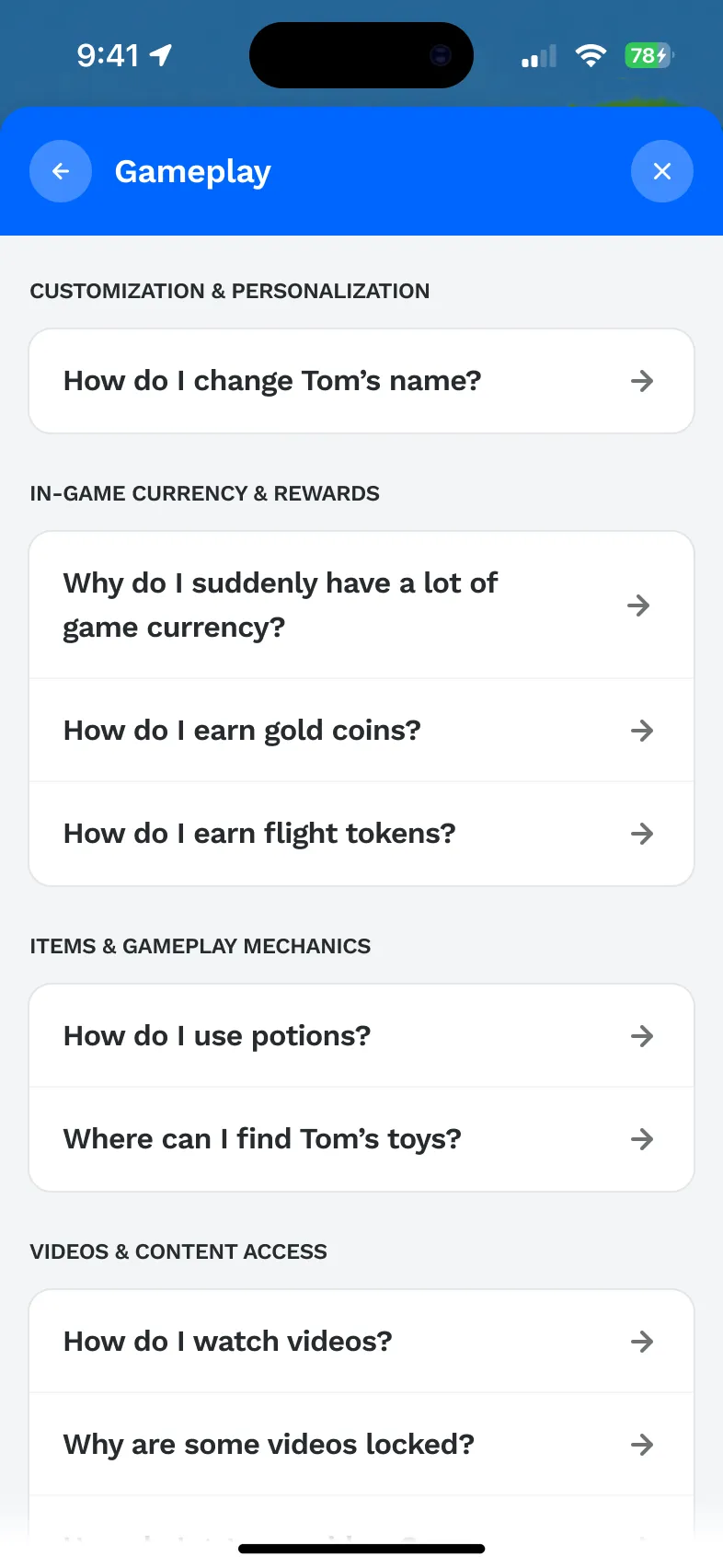
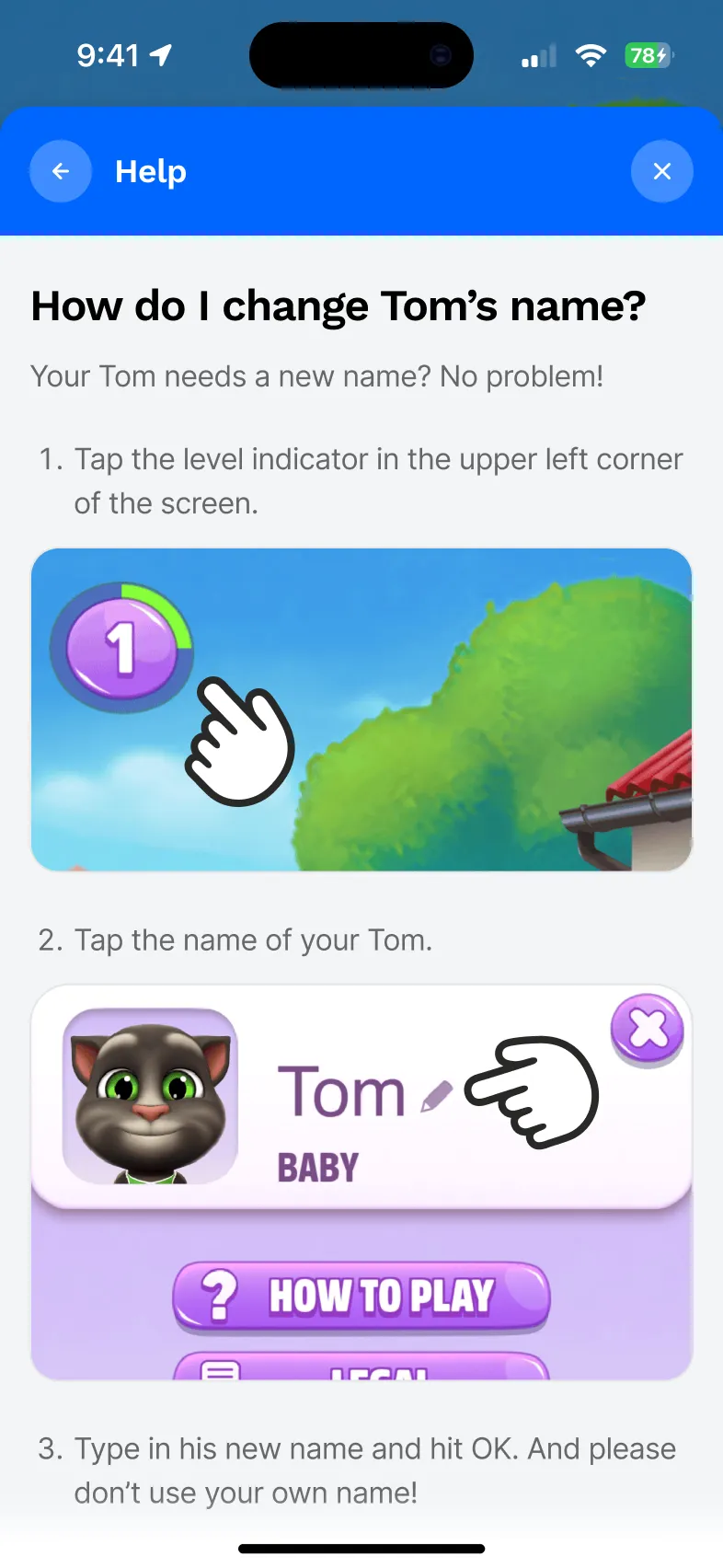
Search is the first thing under the characters, and it answers as you type. Topics open into short questions grouped by area, so a player looking for coins does not wade through video settings. Answers use the game’s own art for each step and end with a simple “Was this helpful?”.
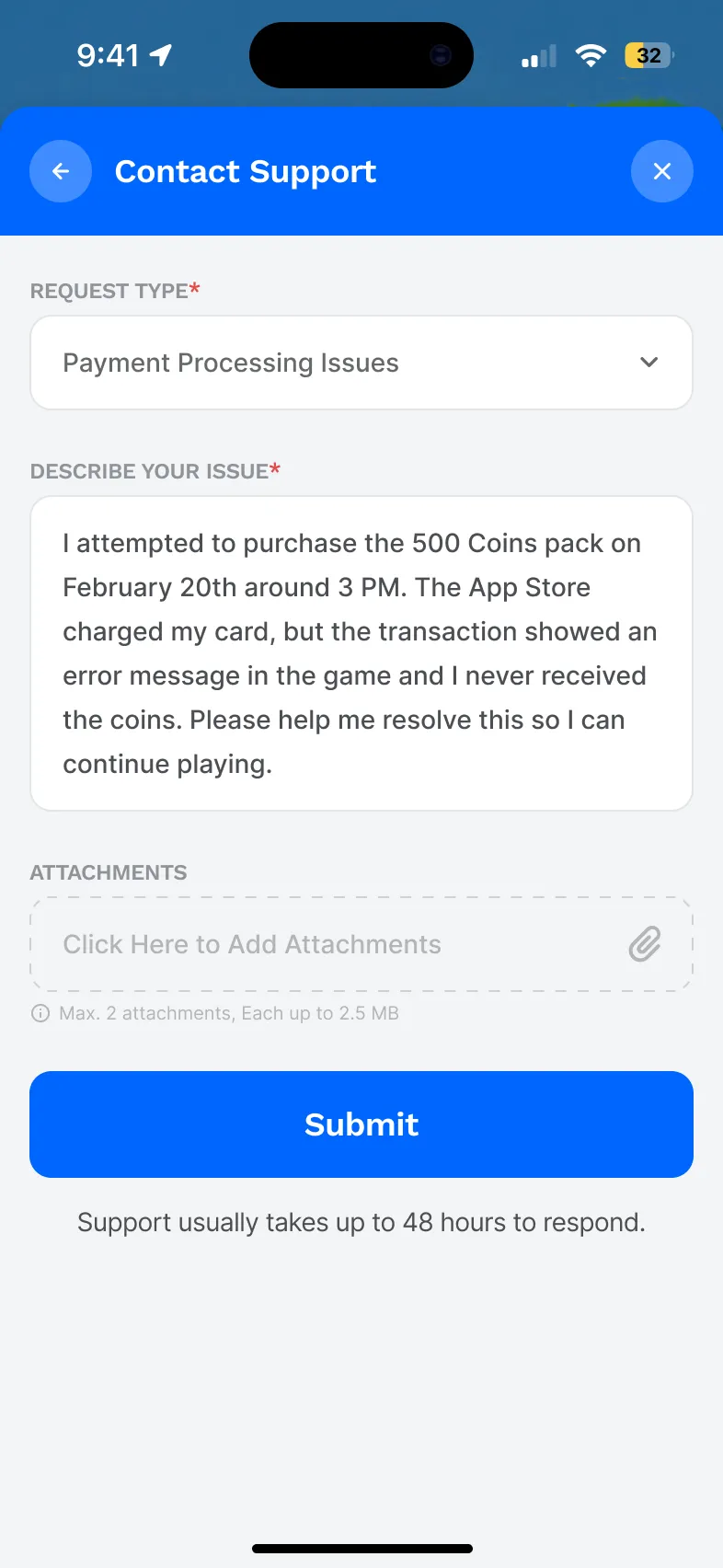
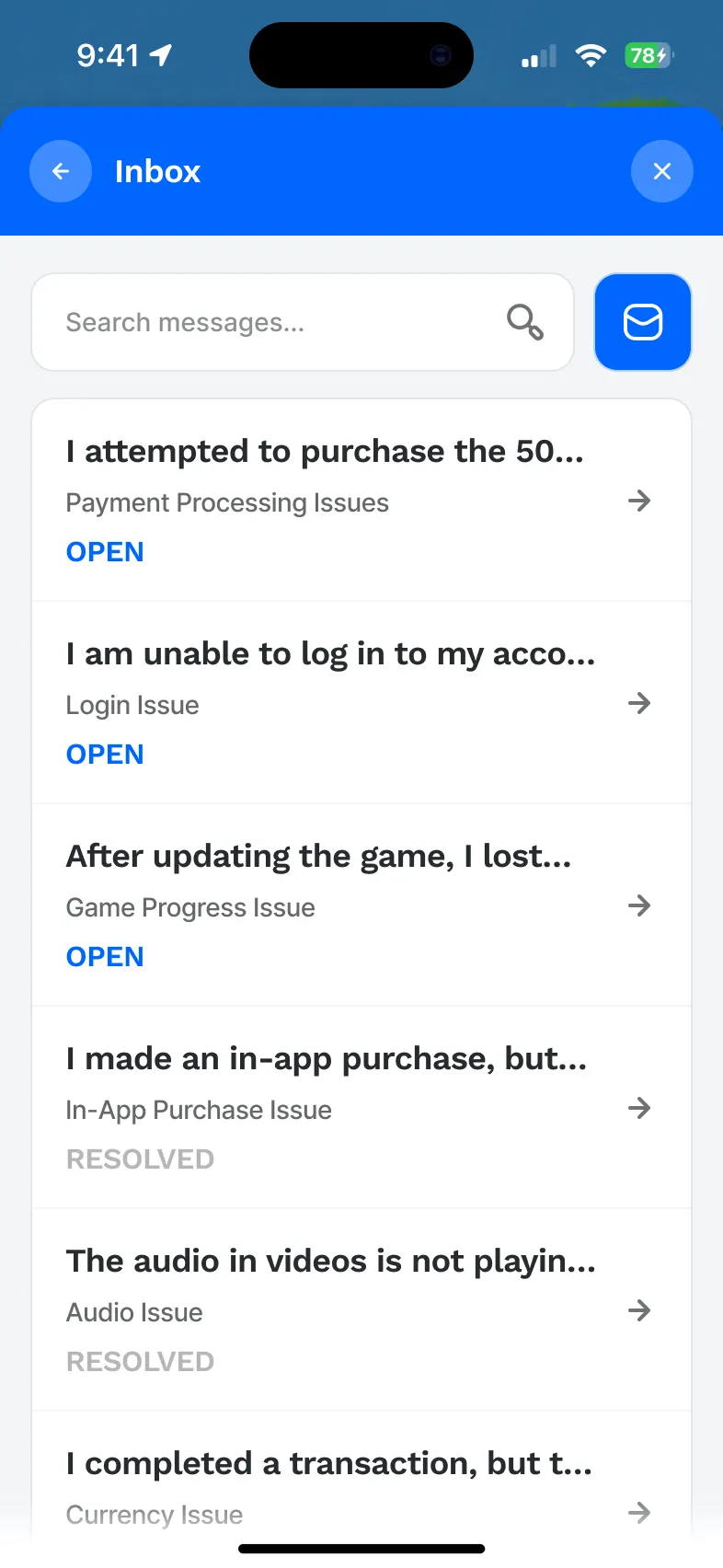
Contacting support now creates a ticket. The inbox lists every request with its status, open or resolved, and an empty inbox says so with Tom instead of a blank screen. The form asks for a request type and a description, and takes up to three attachments, so a screenshot of a failed purchase goes along with the message.
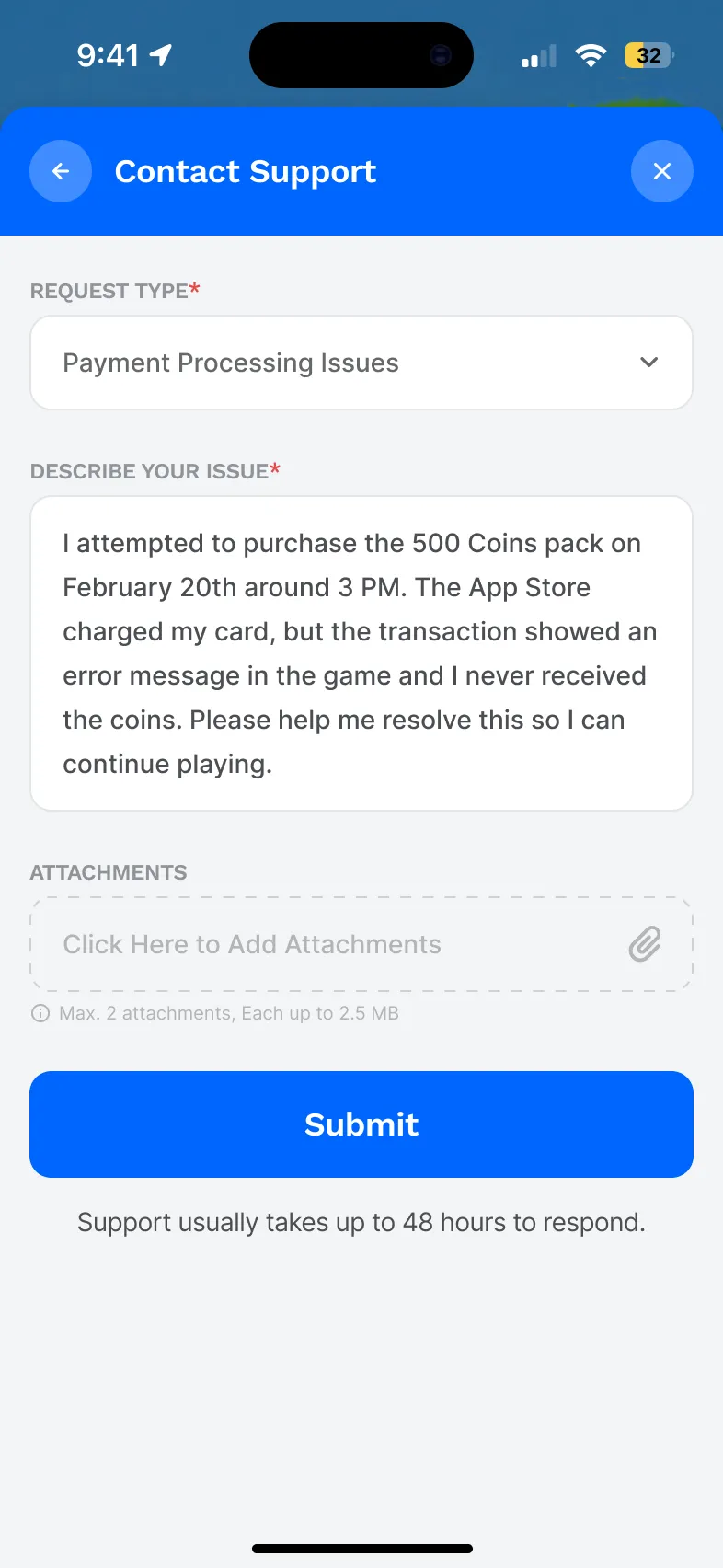
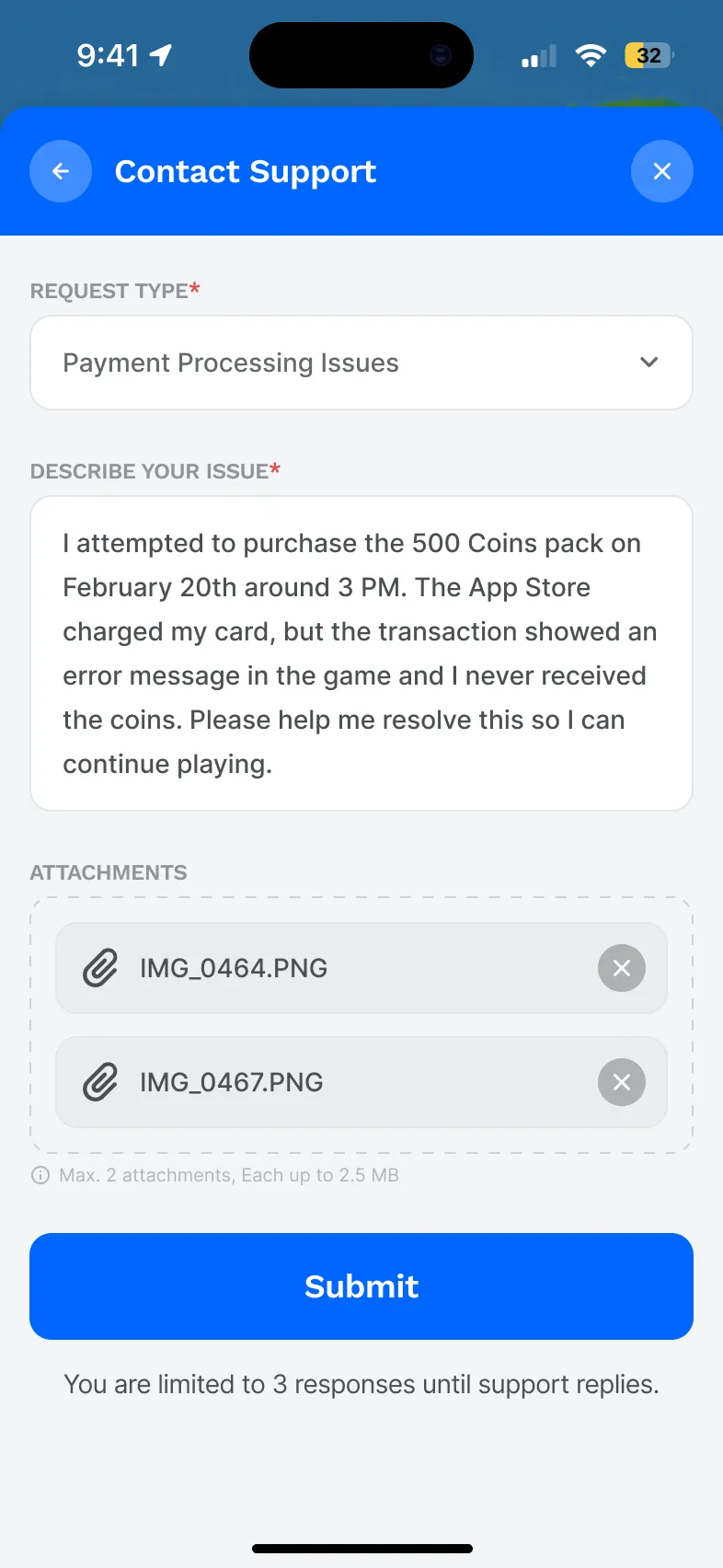
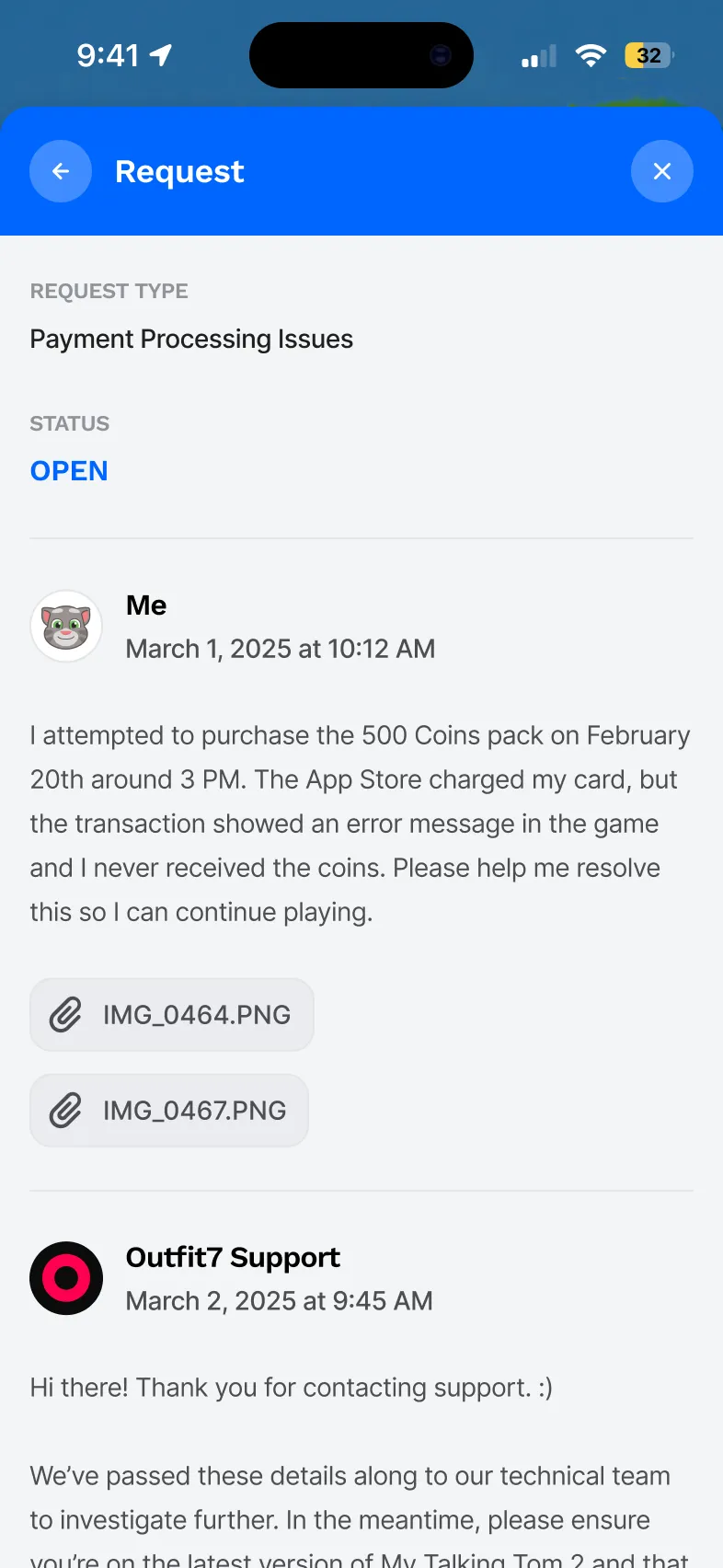
Sending a request confirms it right away and says support usually answers within 48 hours. The thread keeps the whole conversation in one place, limits a player to three replies until support answers, and asks for a quick rating once the ticket is resolved.
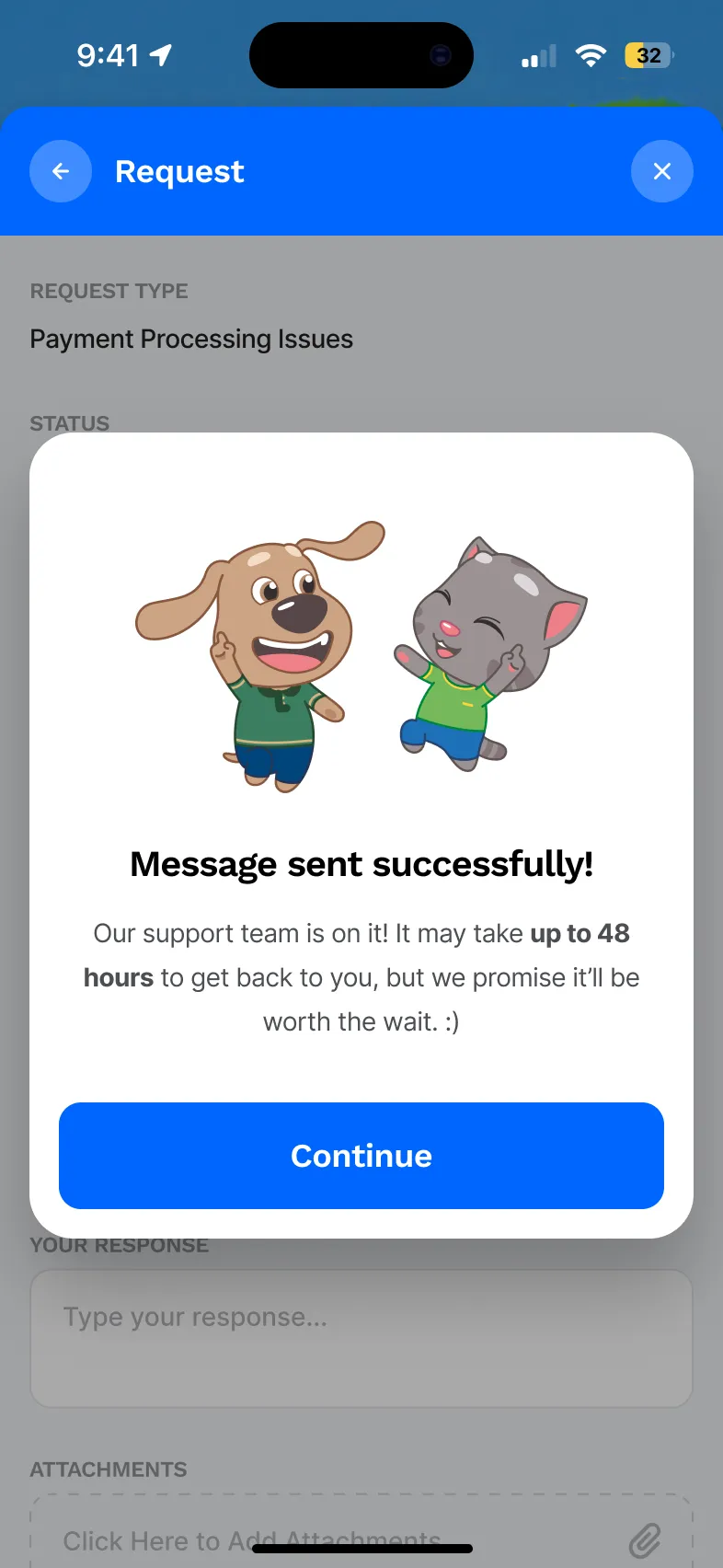
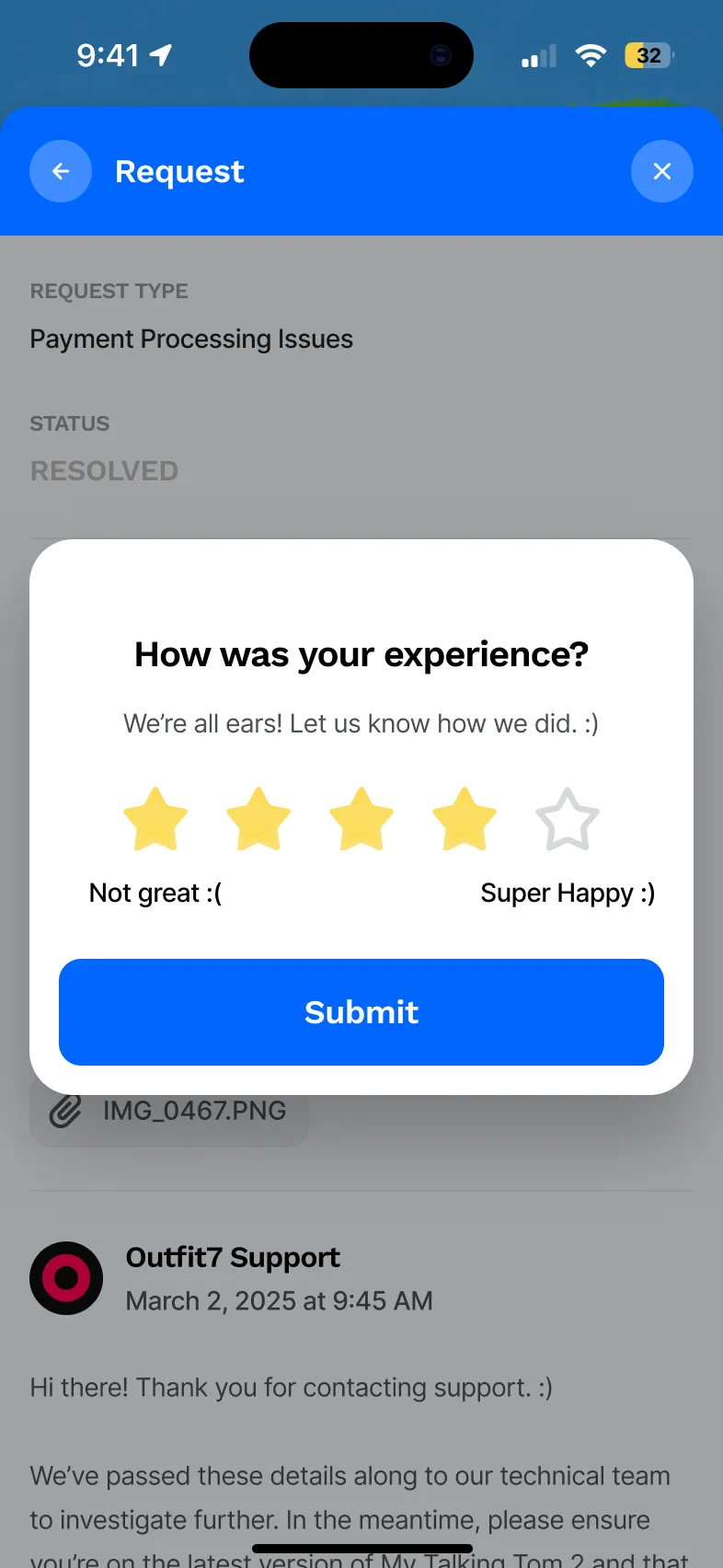
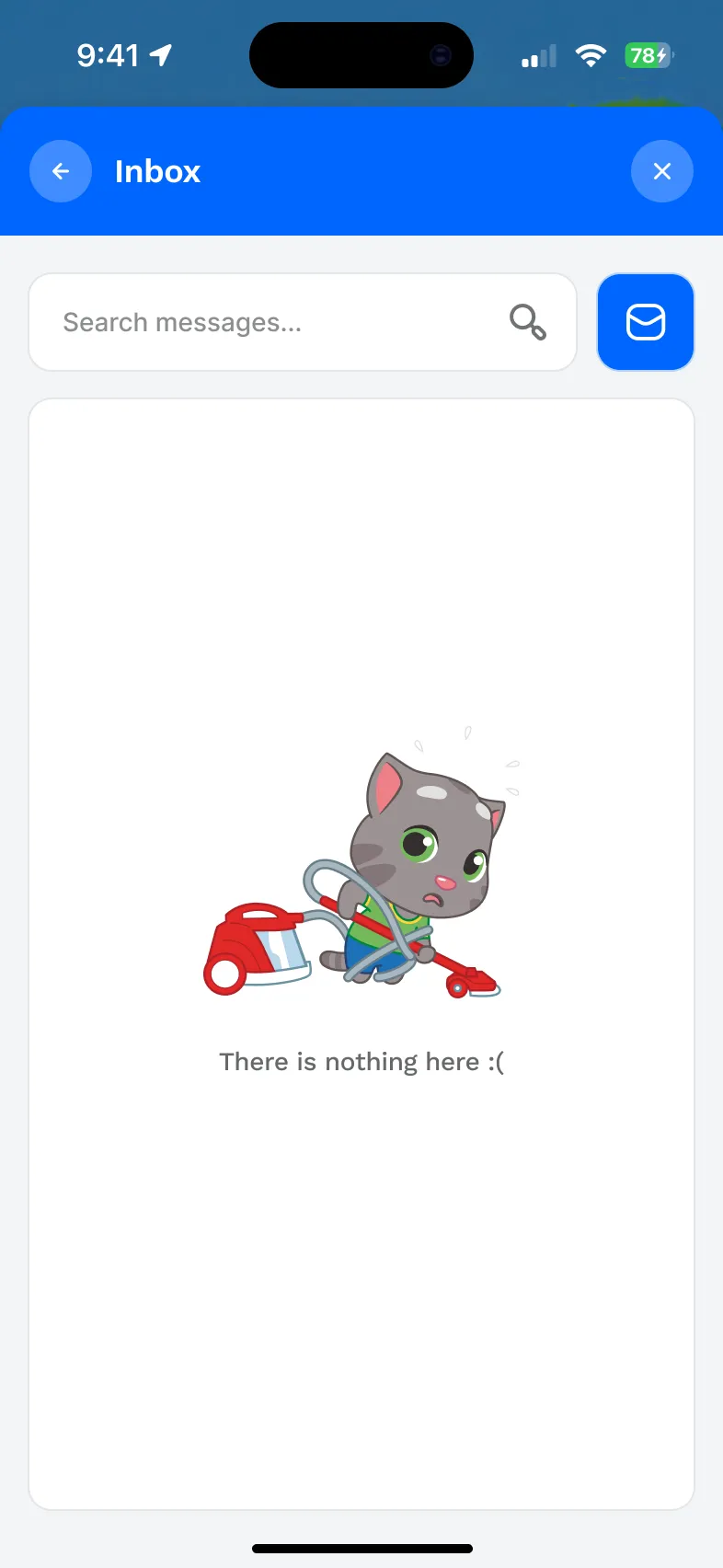
New screens, every one approved by Outfit7.
Original screens replaced: loader, home, topics, help and contact.
Ticket views after sending: open, answered by support and resolved.
Players meet support when something already went wrong. Keeping the game’s characters and colour there makes it feel like the same place, not a form someone bolted on.
Most of the anxiety in the old flow came from not knowing if anyone saw the message. An inbox with a status answers that without a single extra email.
Empty inboxes, missing art and the reply limit took as much thought as the main screens, and they are where a flow usually feels unfinished.